

The two ways customers can contact you (form and pop-up)
Your site has a full contact page and a quick pop-up form. Both do exactly the same thing.
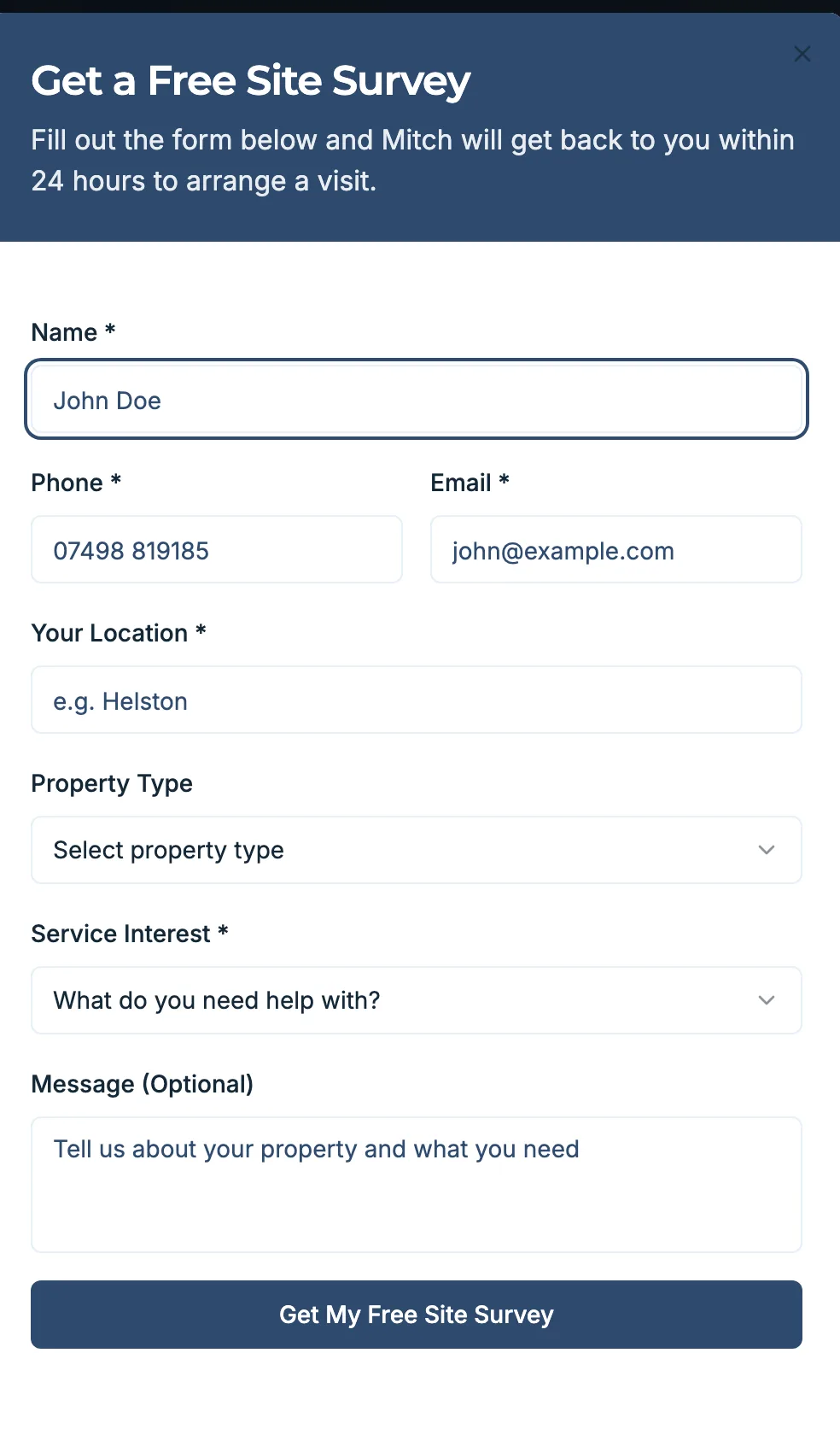
Your SmartSite gives customers two ways to send you an enquiry. Some prefer to go to a full contact page, others want to fire off a quick message without leaving the page they are on. You have both covered, and the good news is they behave identically. You do not have to manage them differently.
The full quote form
This is the form on your contact or quote page. A customer who has had a good look round your site and is ready to enquire will usually land here. It has room for their name, number, email and a description of the job, so you often get a fuller picture of what they need.
The pop-up form
This is the “Get a Quote” box that opens when a customer taps a call-to-action button anywhere on your site: in the header, on the homepage, on a service page, or in the footer. It pops up over whatever they are reading so they can enquire on the spot, without hunting for the contact page. It is there to catch the customer at the exact moment they decide to get in touch.
They both do the same thing
Whichever one a customer uses, the result is the same:
- The enquiry drops straight into your inbox and creates a new entry in your pipeline.
- The customer gets the instant text back that starts the conversation.
- You get notified by push, email and text.
In other words, both feed the same speed-to-lead flow. A lead is a lead, wherever it came from, and it all lands in one place for you to reply to.
What you do, and what we do
You do not have to set up or maintain either form. We build both into your site and wire them into your inbox during your build, and we test them before you go live. If you ever want to change a field or the wording, just contact support and we will make the change for you.
Where to go next
If you want to be sure both routes are landing in your inbox, the article on checking your form is working shows you how to send yourself a test enquiry.