

Download the mobile and desktop apps
Get the BuildMyService App on your phone and your computer so leads reach you anywhere.
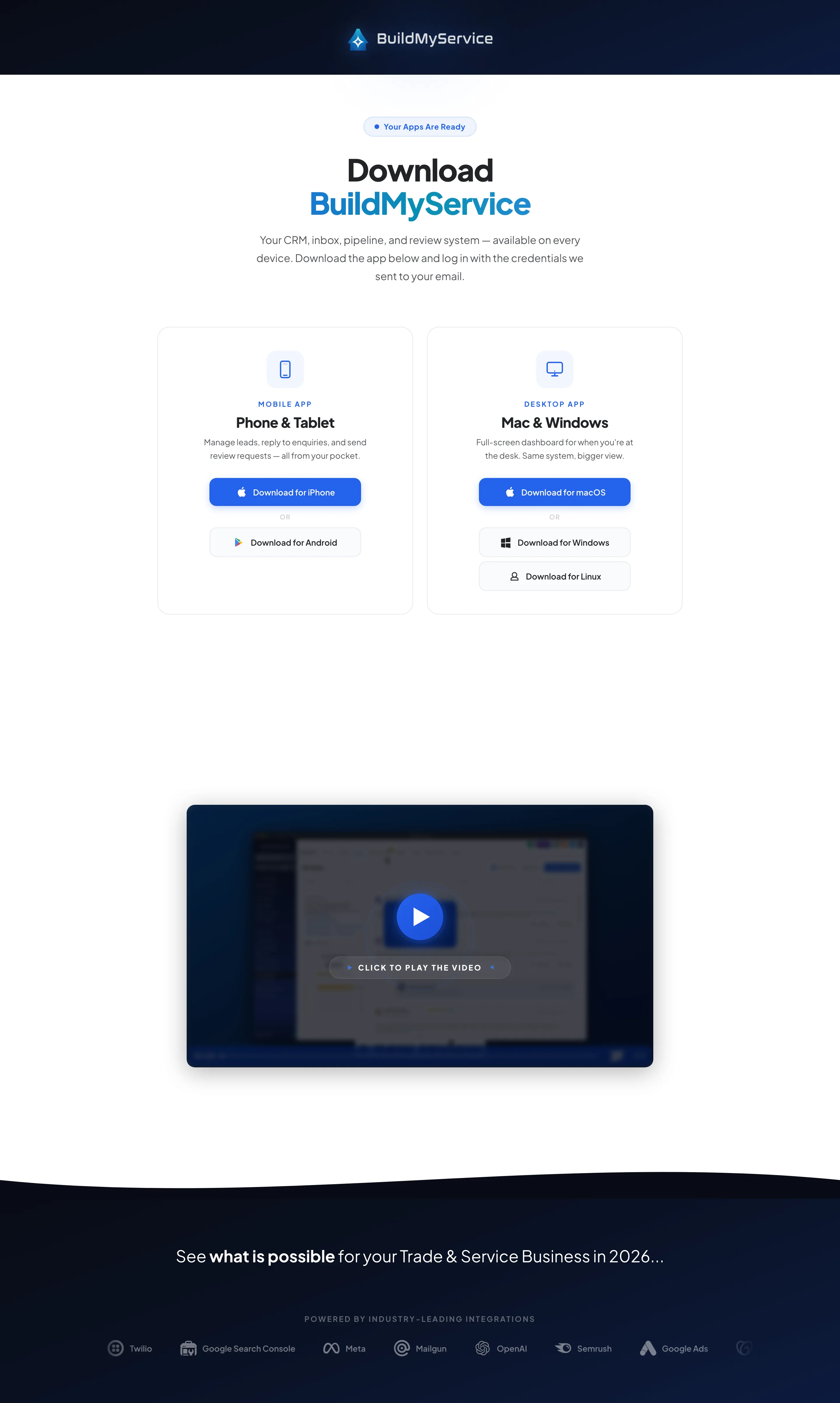
The BuildMyService App is the same on every device, so it is worth putting it on your phone and your computer. On your phone you get a notification the moment a lead lands, even when you are on a job. On your computer you get a bigger screen for replying and managing your pipeline at the end of the day. You log in to all of them with the one set of details we send you.
Follow these steps:
-
1On an iPhone, open the App Store and search BuildMyService. On Android, open Google Play and do the same.
-
2Tap Get or Install and let it download to your home screen.
-
3Prefer your computer? Download the desktop app for macOS, Windows or Linux from your welcome email.
-
4Open the app and log in with the email and password we sent you.
-
5When your phone asks, allow notifications. That is what pings you the second a lead comes in.