

Your review page explained
The simple page that sends happy customers to Google and catches any problems privately.
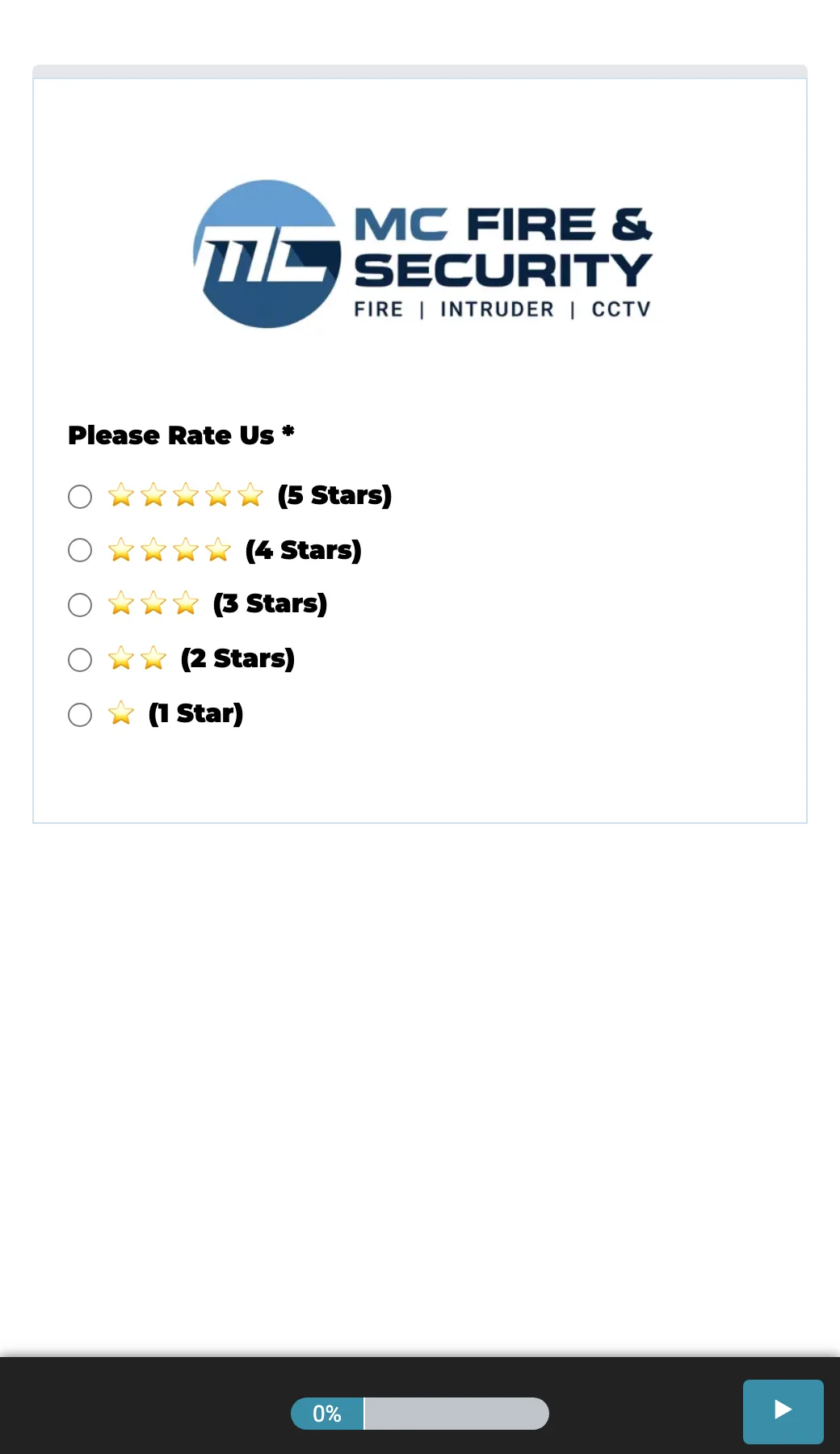
Every BuildMyService site comes with a dedicated review page, usually found at your web address followed by /review. It is the page a customer lands on when you ask them for a review through ReviewLoop. Its job is to make leaving a review effortless for happy customers, while quietly catching any unhappy ones before they post something public.
How the page works
The page asks the customer one simple question: how was the job. They answer by tapping a face, and what happens next depends on their answer.
- Happy customers are sent straight to your Google profile to leave their review, where it does the most good for your ranking and your reputation.
- Unhappy customers are shown a short form instead, where they leave their name, phone number and a few words about what went wrong. That feedback comes privately to you. It does not go public.
This is sometimes called a review gate. It is completely above board: every customer is given the chance to leave a review, the page just makes sure a glowing one ends up on Google and a problem one comes to you first so you can put it right.
Why this is good for you
Two reasons. First, it removes the friction. People who had a great experience often mean to leave a review and never get round to it, so guiding them straight to Google in one tap gets you far more reviews. Second, it protects you. If something did go wrong, you hear about it directly and get the chance to sort it out, rather than reading about it in a one star review weeks later.
What runs automatically
The page itself, and the routing logic behind it, are built and hosted for you. When a happy customer is sent to Google their review appears on your profile and on your SmartSite. When an unhappy customer fills in the private form, their details and feedback land with you so you can follow up.
What you do
You trigger the request with one button press in your app after a job, which is part of ReviewLoop. From there the review page does the work. If a piece of private feedback comes in, it is up to you whether and how you act on it.
The guide below explains the colour coded tags you will see against each review so you know at a glance what needs your attention.